
01
Test on your cameras
Lighting, people’s positions and distance affect processing. We will test selected areas to understand the blur result.
BUSINESS
Review work actions while limiting unnecessary detail about people.
Reviewing a process does not always require seeing an employee’s appearance. ViON Business’s blur module helps conceal people’s images. Results are checked on the selected cameras.
Discuss protecting people in video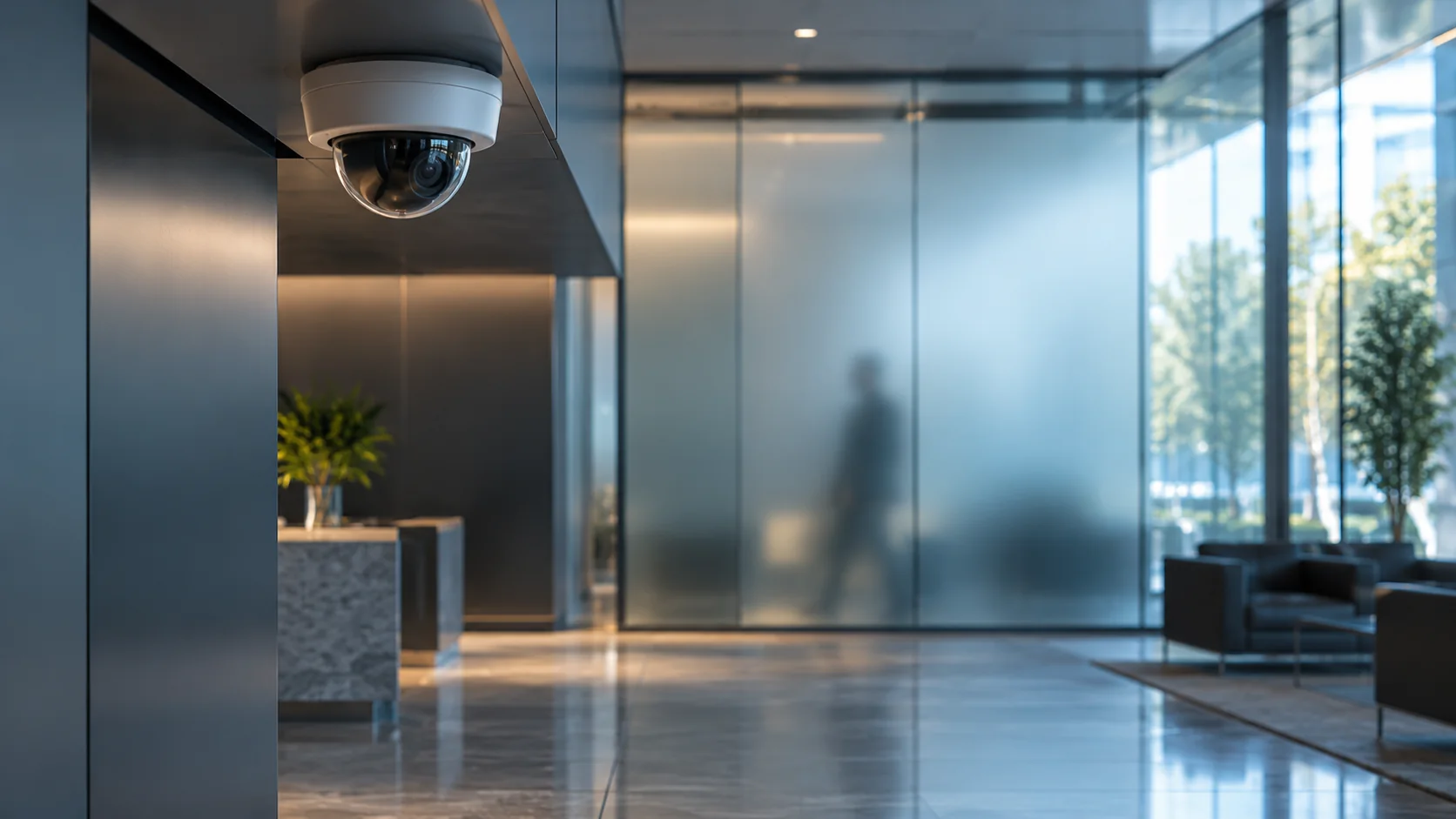
The site shows an illustrative blur example. The module’s results are checked on your site’s cameras.
PEOPLE AND DATA
Choose the work area and actions that must remain understandable after video processing.
See how the module handles people at different distances and in different lighting. Check that the intended details are concealed.
Decide who views original and processed video, how long it is retained and which connections are needed.
Lighting, people’s positions and distance affect processing. We will test selected areas to understand the blur result.
Discuss video access, retention and the data to conceal so the team has clear recording rules.
FROM QUESTION TO SOLUTION