

ViON HOME

What happened at home? Find the answer.

See who came to the door and what happened in the garden.

ViON Home saves camera footage on your device and helps you search for events in everyday language. For houses, apartments and small sites that need understandable recordings.

Start with Home
Staged illustration: a home interior with two adults by a window

YOUR HOME. EVENTS YOU UNDERSTAND.

What gets easier with ViON Home

UNDERSTAND EVENTS

Know who visited

Distinguish a person or important object from ordinary motion in the frame. Open the recording to see what happened.

Home · terraceDEMO SCENARIO
Home · terrace
Monitored zone · demo Local archive
YOUR VIDEO

Keep recordings with you

Video is stored on your computer or server. Choose the storage location and retention period to fit your available space.

Recordings on your device
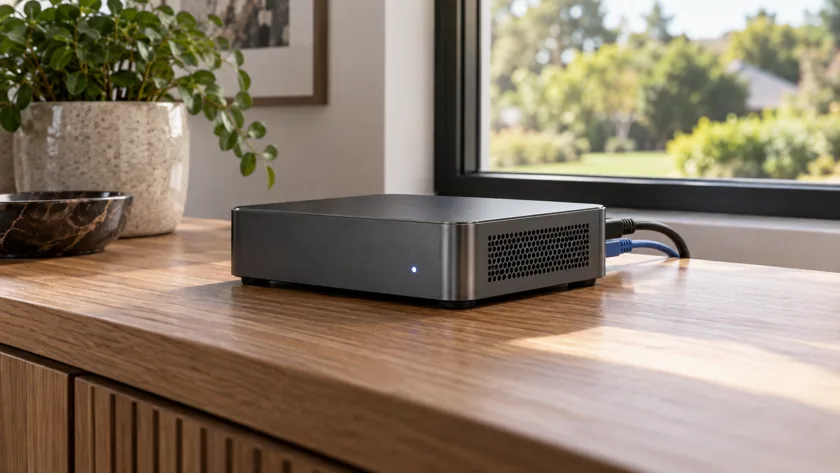
Staged illustration: a compact local computer on a wooden console
ASSISTANT

Ask about events

Ask what happened at the entrance or in the garden. A conversation helps you find events and open the right recording.

What happened at the entrance?

Demo: a courier delivered a parcel.

SMART HOME

Connect cameras to your smart home

Use camera events in home automations. Home Assistant, HomeKit and MQTT integrations are supported; capabilities depend on the connection you choose.

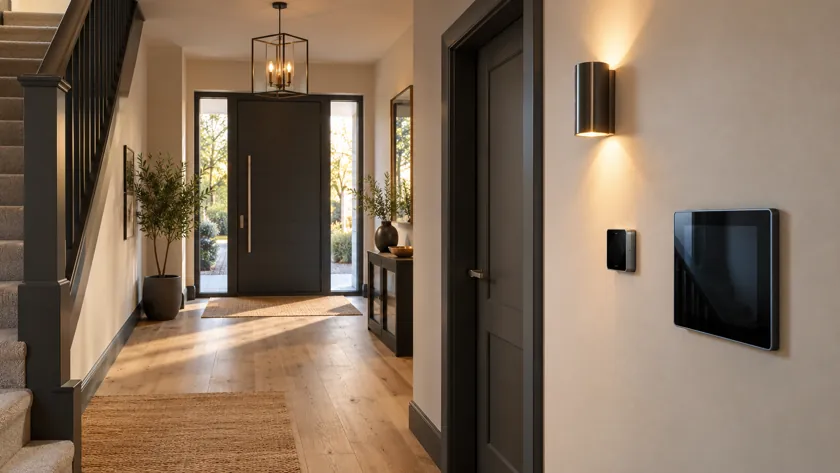
Staged illustration: an entrance hall with home automation devices
Home AssistantHomeKitMQTT
REMOTE ACCESS

Check cameras from elsewhere

Connect to your system through ViON Cloud when you are away. Remote access terms depend on your plan.

Your device
ViON Cloud
How to view cameras remotely
01

For when you want to know what happened

Open the right moment when a question comes up at home. Describe the event, watch the recording and check the details.

  • Who was at the entrance while you were away
  • When the courier delivered a parcel
  • What happened in the garden at a particular time
02

Start with a suitable camera and device

You need a camera and a computer or server for recordings. Share the models you already have and we will help you get started. Remote viewing and smart home connections can be discussed separately.

Start with your first camera?

Connection help