
01
Remember an event — find its recording
You do not need the exact time. Describe what you are looking for, such as “courier with a box yesterday evening”. Open a matching clip and check the details.
HOME FEATURES
From a question about home to a specific recording.
Describe an event, find a matching clip and check the details. ViON helps explain everyday situations at the door, in the garden or in a small store.
How to get started with Home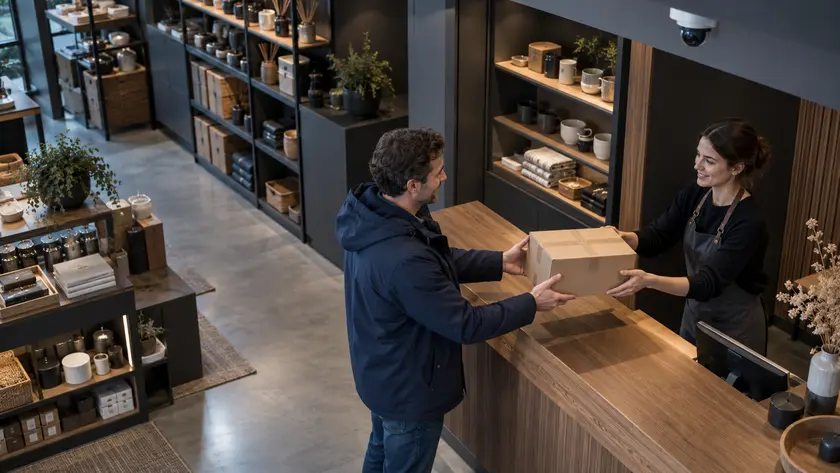
HOME FEATURES
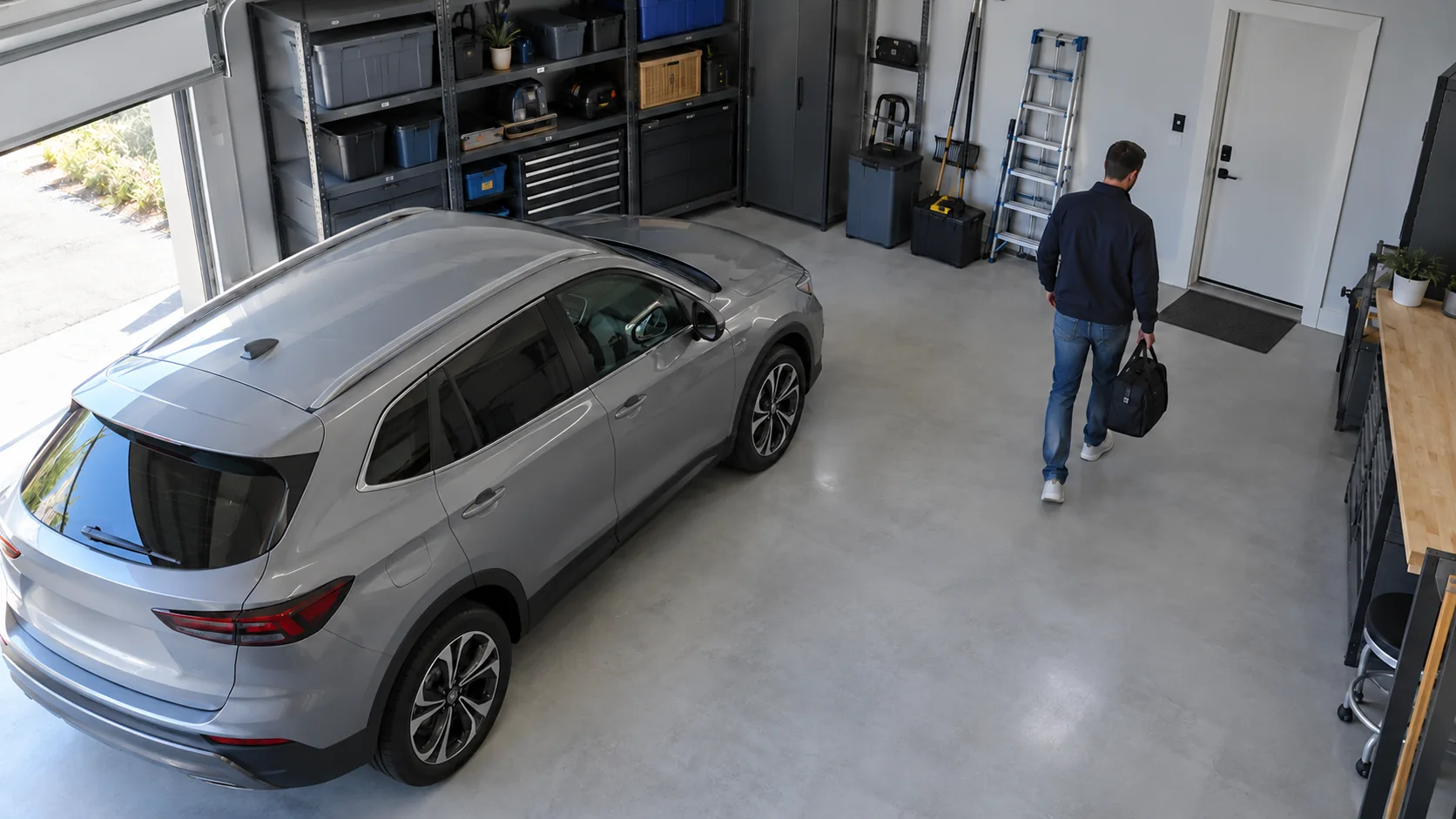
Distinguish a person or important object from ordinary motion in the frame. Open the recording to see what happened.
Type “courier with a box yesterday evening” and jump to a matching clip. Spend less time reviewing long recordings.
Try a query · interface demonstration
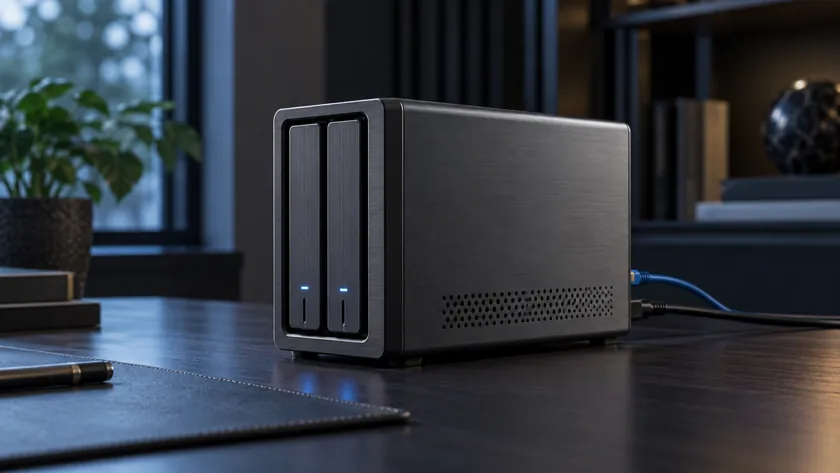
Video is stored on your computer or server. Choose the storage location and retention period to fit your available space.
Ask what happened at the entrance or in the garden. A conversation helps you find events and open the right recording.
Demo: a courier delivered a parcel.
Use camera events in home automations. Home Assistant, HomeKit and MQTT integrations are supported; capabilities depend on the connection you choose.
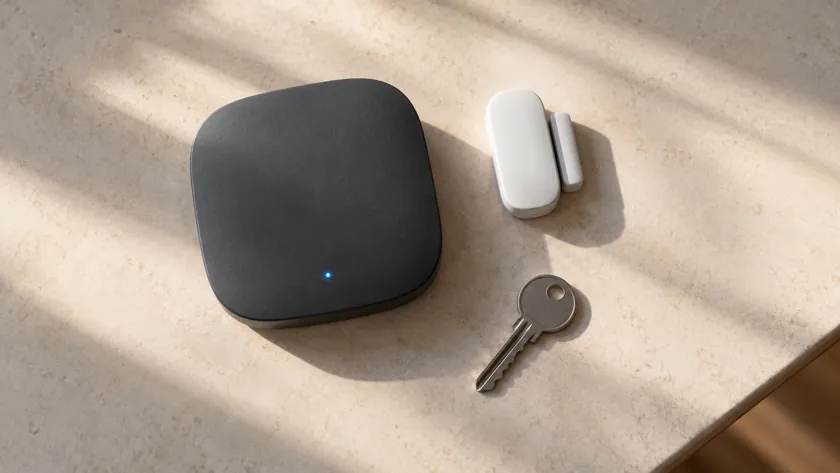
Connect to your system through ViON Cloud when you are away. Remote access terms depend on your plan.
You do not need the exact time. Describe what you are looking for, such as “courier with a box yesterday evening”. Open a matching clip and check the details.
First test one camera and a video storage device. Then add the other cameras and additional features.
NEXT STEP