
BUSINESS

Check how work was done.

Review specific actions in recordings when a question arises.

Was the workstation prepared? In what order was the operation completed? When was the result handed over? ViON helps find visible steps so managers can review them with the team.

Discuss a process at my site
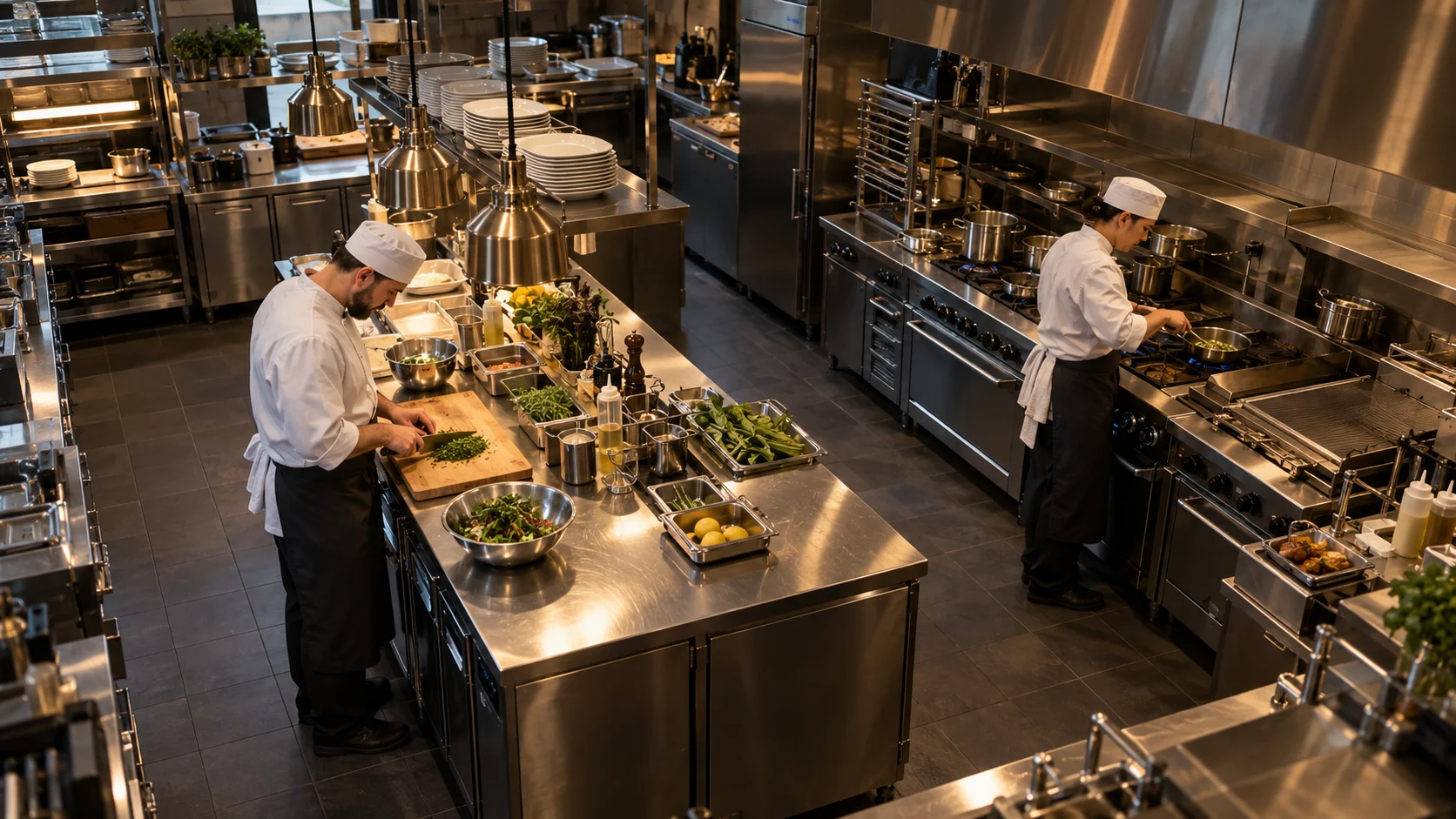
Kitchen · work areaDEMO SCENARIO
Kitchen · work area
Chef at the worktable · demo Local archive

Video helps review visible actions. Temperature, product composition and mandatory safety checks are monitored separately.

MONITOR KEY STEPS

Review work without watching the entire shift

  1. Choose a procedure

    Start with work that often needs checking: preparing a table, processing at a workstation or handing over a tray.

  2. Define the important steps

    The manager defines the sequence. Together we agree which steps are visible on camera and which deviations to look for.

  3. Review detected episodes

    Open the recording with the responsible team member. Compare actions with procedures and assess whether the system helps review this workflow.

01

In a kitchen, warehouse or workstation

Choose a procedure you often need to check. ViON helps find its visible stages so the manager can compare the recording with work rules.

  • Workstation preparation
  • Sequence of selected actions
  • Handover to the next stage
02

First, test the value for your team

Examples from your shift show which events can be found reliably. We review errors and limitations before expanding.