
SECURITY

Your recordings. Your access rules.

Decide where the archive lives and who needs to view it.

ViON uses your computer or server for local recording. We will help discuss retention, employee access and remote connection for your needs.

Discuss storage and access
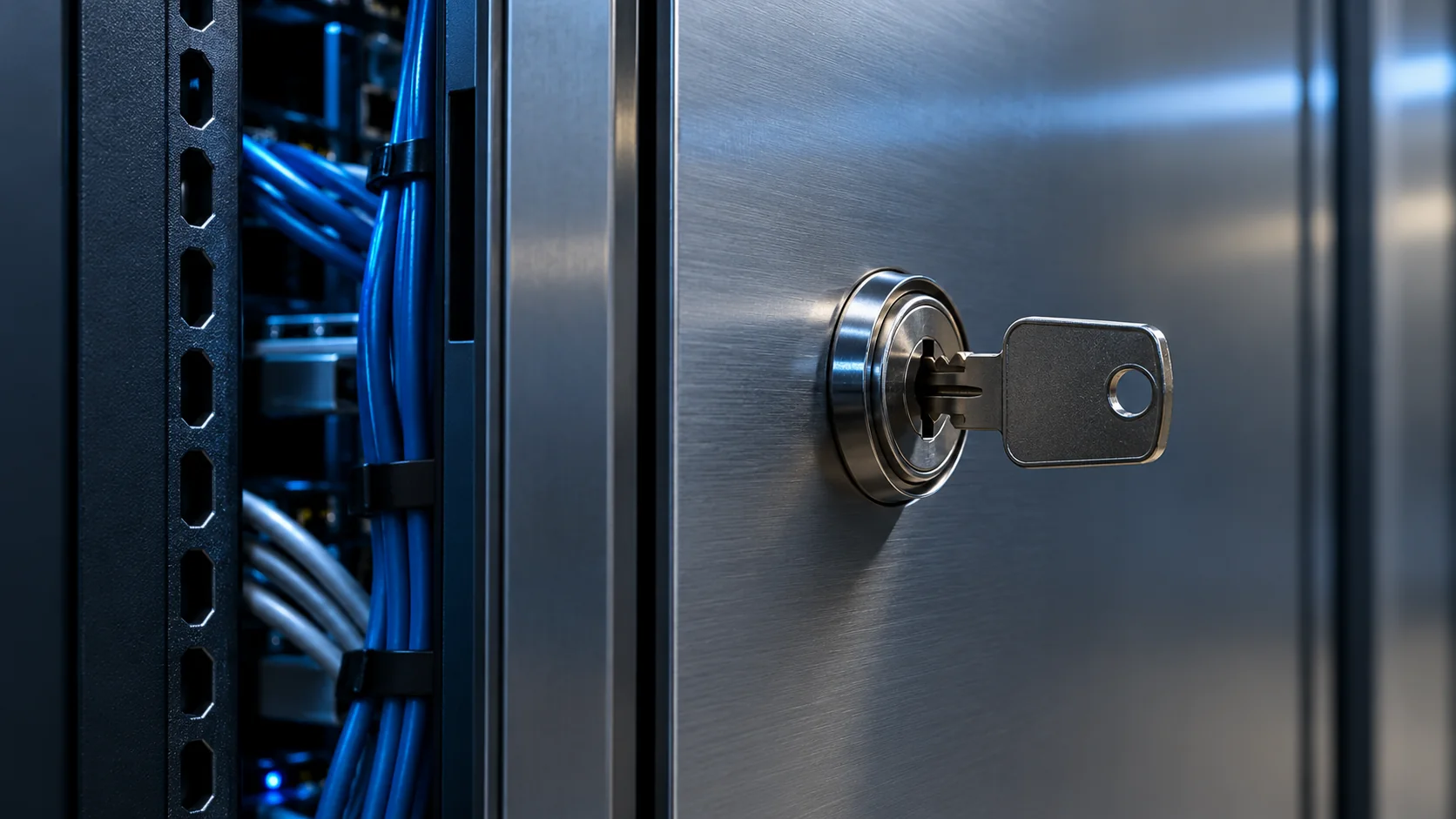
Staged illustration: a key in the lock of a metal network cabinet beside cables

Specific protection settings depend on your system. Certification requirements and special guarantees are discussed separately.

STORAGE AND ACCESS

What to decide in advance

  • A place for your recordings

    The archive is stored on your device. Its size and retention period are selected according to your cameras and available space.

  • Access for those who need it

    Decide who will work with video and from where: on site or remotely. Settings depend on the system and connection you choose.

  • Agree on rules before connecting

    For Business, we agree on data, viewing and storage in advance so managers understand how the team will use recordings.

01

What to discuss before launch

Start with how you plan to use video. These answers help choose storage and connections without unnecessary features.

  • Which recording period you usually need
  • Who should view events and original video
  • Whether viewing outside your home or site is needed