
GET STARTED WITH VION HOME
Start with one camera.
Connect a camera, open a recording and find the moment you need.
Start small: a suitable camera and a computer or server for video. The team will help check the equipment and installation method.
Help me start with Home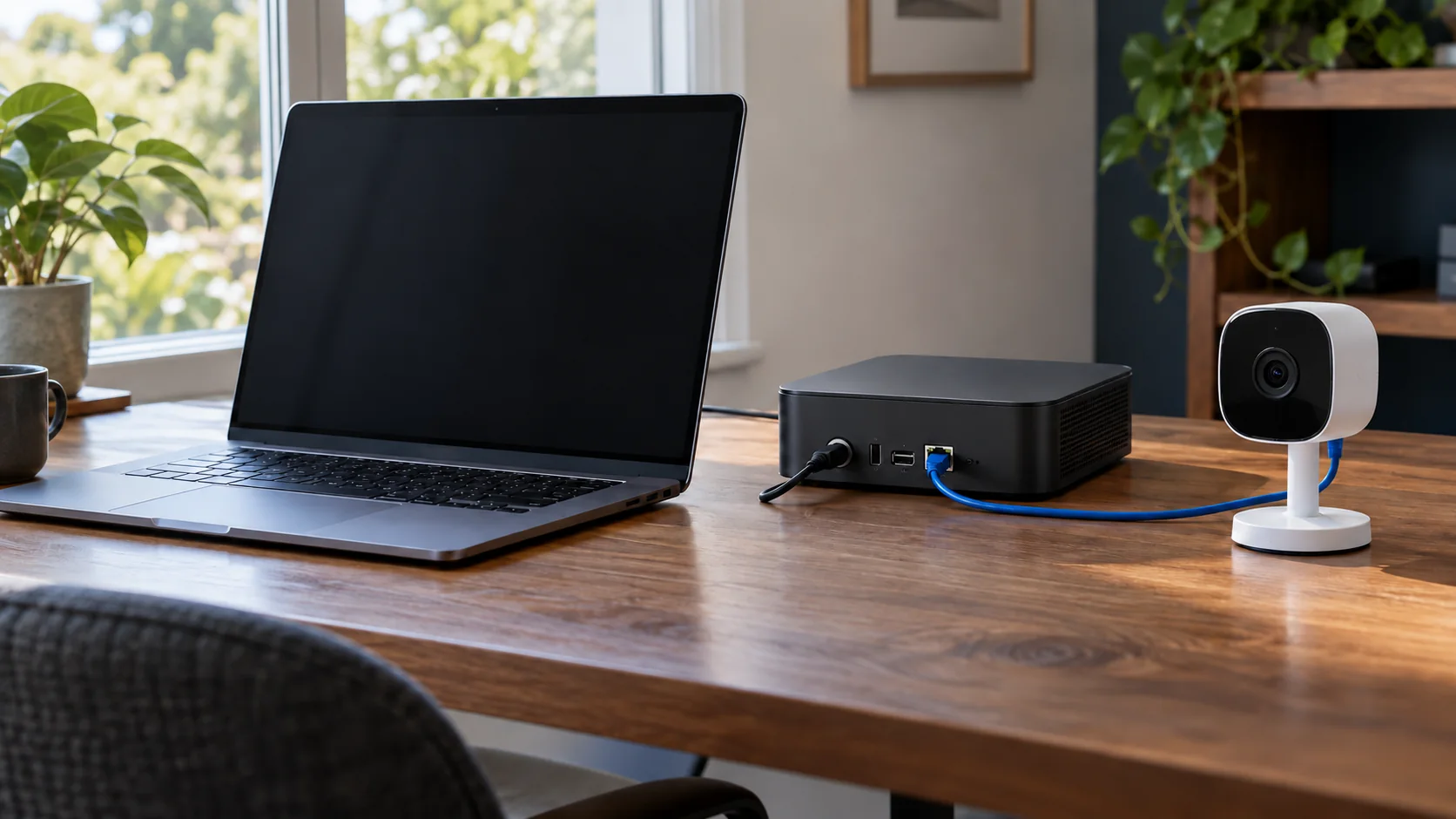
The official installer link has not been added yet. Ask the ViON team about installation. An App Store or Google Play app has not been announced.
FIRST STEPS
From preparation to the first recording
Check what you already have
Share your camera model and the device you want to use for storage. Requirements depend on the number of cameras and selected features.
Install ViON and connect a camera
Get the official guide for your version. Connect the first camera and make sure its image is available in the system.
Open your first recording
Check that video is saved and the moment you need can be viewed. Choose a retention period, then decide which cameras to add.
NEXT STEP