
SMART HOME

Cameras are part of your smart home.

Use ViON alongside your familiar home devices.

The connection depends on your system: Home Assistant, Apple Home or another automation platform. Choose your option and confirm the features before setup.

Explore connections
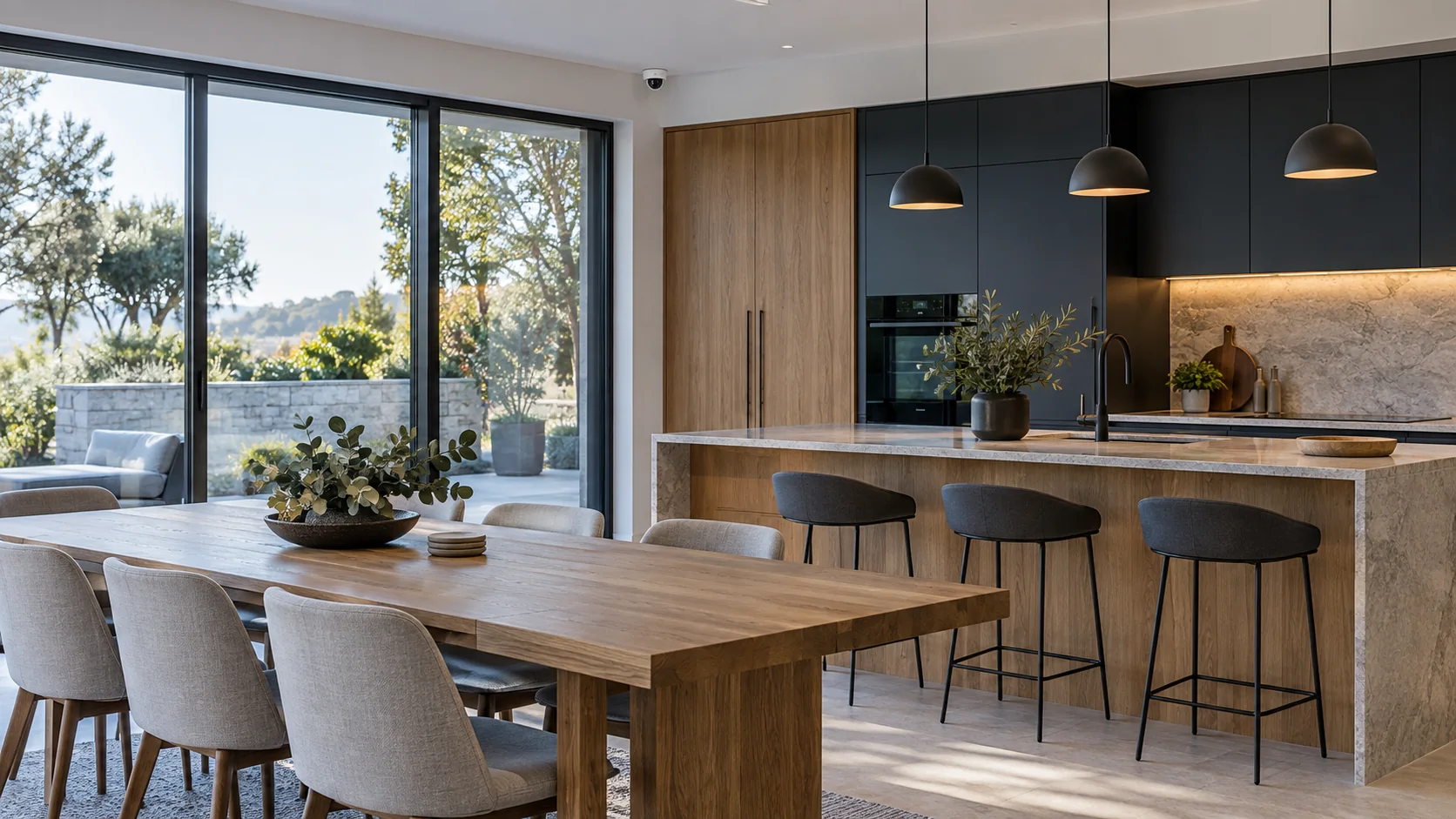
Staged illustration: a home kitchen and dining area with a camera in the corner

Automation capabilities depend on the integration and your smart home system.

SMART HOME

Choose your smart home system

  • For Home Assistant

    Connect Home Assistant sensors to ViON. Motion, a doorbell or another sensor signal can trigger detection on a camera.

  • For the HomeKit ecosystem

    Use supported ViON cameras and sensors in Apple Home. Confirm viewing and recording capabilities before connecting.

  • For other automations

    MQTT integration helps pass events between devices and services. Setup is tailored to your system.

01

Tell us how your home should work

Describe the action in everyday words: which device sends a signal and what should happen next. We will select a connection and check whether it supports your goal.

  • Which smart home system is already installed
  • Which cameras and sensors you use
  • What you want to see or trigger from an event